Your Passwords Are Not Your Plan
By Ian Herrick — 2026-10-07
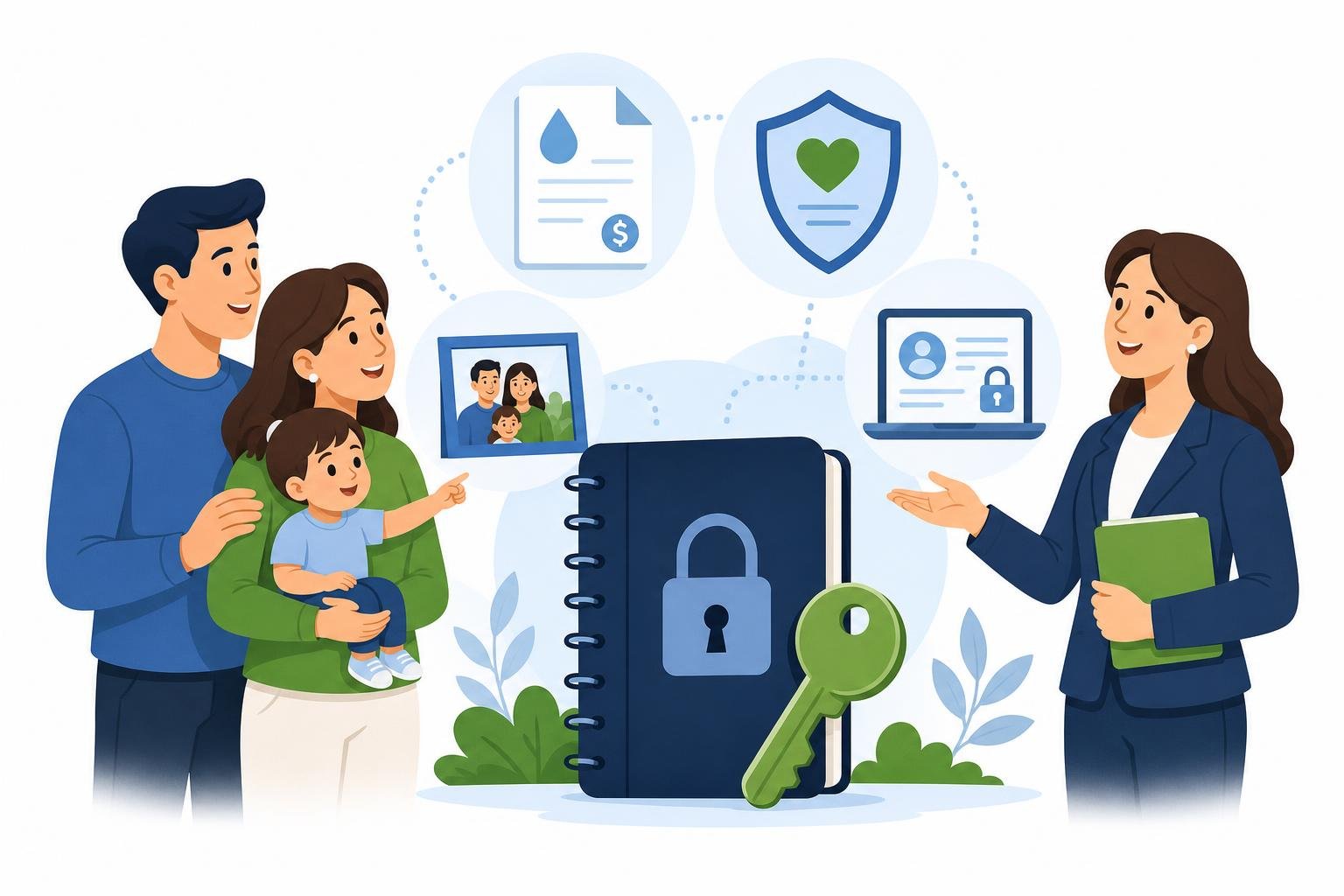
“Can you show me where to find that?” is an easy question until you are the person who cannot answer it. Your spouse may be looking at a laptop, an overdue bill, and an account nobody knows how to access.
If you suddenly could not manage your online accounts, your family would notice quickly. Planning for online accounts during incapacity starts with the accounts they would need to find first: an insurance policy, a mortgage payment, tax records, a business portal, or an account that needs protection from fraud.
This belongs in the same conversation as the rest of your estate plan. It is not about listing every app on your phone. It is about helping your family find what matters and making sure your legal plan reaches beyond the filing cabinet.
Start Before a Crisis
Begin with the accounts tied to your family’s real life: email, banking and bill pay, cloud storage, phone accounts, insurance portals, retirement accounts, digital photos, online businesses, and any account holding money, records, or irreplaceable memories.
If you are the only person who knows which accounts exist or how to identify them, your family may lose precious time simply trying to understand the landscape. A password written on paper does not explain what each account is for or what you want done with it.
When I discuss this with a family, I am not asking them to become cybersecurity professionals. I am asking a practical question: if you could not respond tomorrow, what would your spouse, agent, trustee, or executor need to locate first?
The bottom line: Your online accounts are part of your family’s financial and personal life. They belong in the picture your plan addresses.
A Password List Is Helpful. Authority Matters Too.
It is natural to think, “My spouse knows my passwords, so we are covered.” But providers have their own terms and security procedures. Being able to sign in is not always the same as having legal authority to manage an account.
Many states have rules addressing a fiduciary’s access to digital assets. The result can depend on your documents, the provider’s tools and terms, the type of account, and the law of the applicable state. Email and private communications can raise different questions from a digital file or an account balance.
Your account inventory should work alongside a current estate plan, a properly chosen agent or fiduciary, and clear instructions for the accounts that matter most. For each important account, find out whether the provider offers an authorized-user, legacy, inactivity, or emergency-access process. Record the appropriate process in your secure inventory.
Do not assume that a shared password gives someone permission to act.
The bottom line: An inventory helps. It does not replace provider-approved access arrangements or a plan that gives the right people a lawful role.
Provider Settings Are Part of Your Plan
Your plan is not limited to the documents in your binder. It also includes choices made inside the platforms holding your information. Google, Apple, financial institutions, and other providers each have their own tools, security rules, and terms.
Some providers let you name a person through an online legacy or inactivity tool. Under versions of the Revised Uniform Fiduciary Access to Digital Assets Act adopted in many states, a direction made through a provider’s tool can take priority over a contrary instruction in a will, trust, or power of attorney. The exact rule depends on the state and the account involved.
Apple offers a Legacy Contact feature for certain data after death. Apple says a Legacy Contact cannot access passwords, passkeys, or payment information stored in iCloud Keychain. Your family needs to know which tool applies, what it covers, and where protected access information is kept.
Incapacity raises a different question. If you want an agent under your power of attorney to handle online accounts while you are alive but unable to act, the authority in your documents may matter. In some state laws, access to the content of electronic communications requires express authority. A general power of attorney may not resolve every provider or communication issue.
Review your power of attorney practically. Does it expressly address digital assets and, where your state requires it, the content of electronic communications? Does your chosen agent know which provider tools you have set up and where the secure inventory is kept?
The bottom line: Your account settings, legal documents, and secure inventory need to work together so the right person can find the right information and have authority to act if you cannot.
Keep Passwords Out of Your Will
Your will can become part of a court record after death. That makes it the wrong place for a detailed list of passwords, recovery codes, or security answers.
A safer first step is to keep a secure inventory outside your will. A reputable password manager, secure storage, or another protected system may be appropriate. The goal is to help the right person find the right information at the right time without creating a document anyone can open.
Your inventory can be simple. Note the account category, where it is held, why it matters, and who should be contacted or consulted. Protect sensitive access information, and review the inventory when you change devices, providers, or family roles.
The bottom line: Good planning makes important information findable without making it vulnerable.
Start Small
Many people delay this subject because it feels endless. They imagine hundreds of accounts and decide to handle it later.
Please do not let perfection keep you from beginning. Start with the five accounts that would create the most immediate trouble if nobody could find them. Then tell the people who need to know where your secure inventory is kept.
Through the Trust Dad Planning Process, I can help connect that first conversation to your complete plan: who has authority, which roles appear in your documents, what should be coordinated with your financial and insurance professionals, and when additional digital guidance may be appropriate.
You do not need every answer today. You do need to recognize that a family plan in 2026 includes more than paper assets.
The bottom line: The first win is not a perfect inventory. It is opening the conversation while you can still make thoughtful choices.
What You Can Do This Week
Choose one hour this week. Start with one category, such as household bills, insurance, or family records. Make a short list of the online accounts your family would need to locate if you could not manage them. Tell one trusted person where your secure inventory is kept, then bring that list to your next planning conversation.
As a Trust Dad Lawyer, I help New York families connect legal documents, practical systems, and the people they trust. The relationship does not end when documents are signed. When something happens, your family knows who to call.
If you would like to talk about your plan, book a complimentary 15-minute discovery call with me.
This material is provided for educational and informational purposes only. It does not constitute ERISA, tax, legal, or investment advice. You should separately consult an appropriate professional for advice tailored to your specific needs and circumstances.